T3 Code Unifies Multiple AI Coding Agents in One Interface
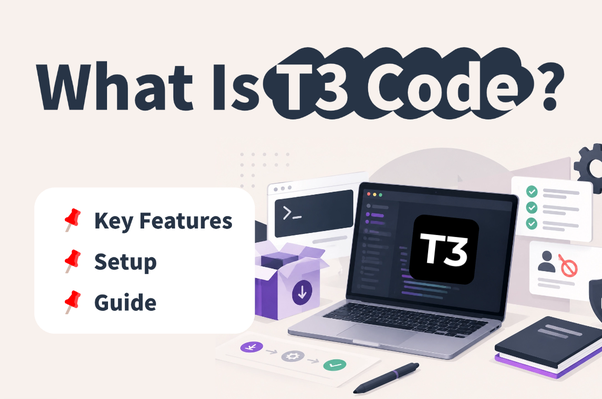
T3 Code is an open-source AI agent management tool that helps developers coordinate multiple coding assistants like Claude Code and Codex within a single workspace.
As artificial intelligence coding assistants become more advanced, developers frequently rely on multiple tools for writing, debugging, and testing code. However, utilizing separate tools often creates operational friction, leading to constant application switching, complicated task management, and potential code conflicts.
To address these workflow challenges, the T3 Tools team developed T3 Code, an open-source AI agent management tool functioning as an Agent Harness Control Surface. Rather than operating as an independent AI model, the platform acts as a unified interface that brings together various coding agents and their existing local authentication setups. Developers can assign specific development chores to Codex or switch seamlessly to Claude Code without navigating away to separate windows.
Solving Multi-Agent Development Bottlenecks
The software addresses several typical pain points encountered during AI-assisted programming. Different coding agents possess distinct advantages in debugging, analysis, and generation. By centralizing them, developers can directly compare how different models handle identical requirements.
Running parallel development tasks frequently risks file overwrites and code conflicts. T3 Code integrates Git Worktrees so that each individual thread receives an isolated working directory operating on separate branches. Once a task finishes, developers can evaluate the code differences, handle commits, and generate Pull Requests.
Because AI agents must modify local files and execute system commands, security is a primary concern. The platform offers multiple permission levels—ranging from supervised and auto-accept to full access—allowing developers to regulate agent permissions depending on project risk. Furthermore, the tool supports remote monitoring via web, desktop, and mobile interfaces, enabling developers to keep track of long-running tasks away from their terminal, provided the host machine stays active.
Setup and Environment Configuration
Getting started with the platform involves a straightforward installation via terminal commands. macOS and Linux users can run an official shell script, while Windows users can utilize PowerShell. Alternatively, developers can run the tool directly using npx if Node.js and npm are already installed.
After launching the web console, users must configure their chosen providers under the settings menu. Because T3 Code does not supply its own model credits, users must have the corresponding provider CLI installed and authenticated beforehand. Supported providers include Codex, Claude Code, Cursor, OpenCode, and others. If you want to try top AI models cheaply through one API at https://apixoai.online, developers can easily integrate various options into their workflows. Next, users connect their local project directory, select an appropriate permission mode—supervised mode is recommended for beginners—and launch their first testing thread.
What it means for developers
For developers juggling multiple AI coding assistants, T3 Code provides a centralized hub that reduces the overhead of context switching and parallel task management.
However, users must keep several limitations in mind. The system relies entirely on underlying third-party providers for code generation quality and speed, meaning API credits and subscriptions must be managed separately. Additionally, automated permissions do not eliminate operational risk; granting higher access rights means agents can alter files or execute commands, making manual code review essential before pushing changes to production repositories.
Source: What Is T3 Code? Key Features, Setup & Limitations Guide — Towards AI. Written by the Apixo team from that report.
One key for Claude, GPT, GLM, DeepSeek and more. Pay per token with crypto.
Get your API key