Demystifying Coding Agents: How Claude Code Works Under the Hood
Behind AI coding assistants like Claude Code sits a simple architecture: a while-loop around an API call, guarded by strict permissions, tool schemas, and sandboxed file systems.
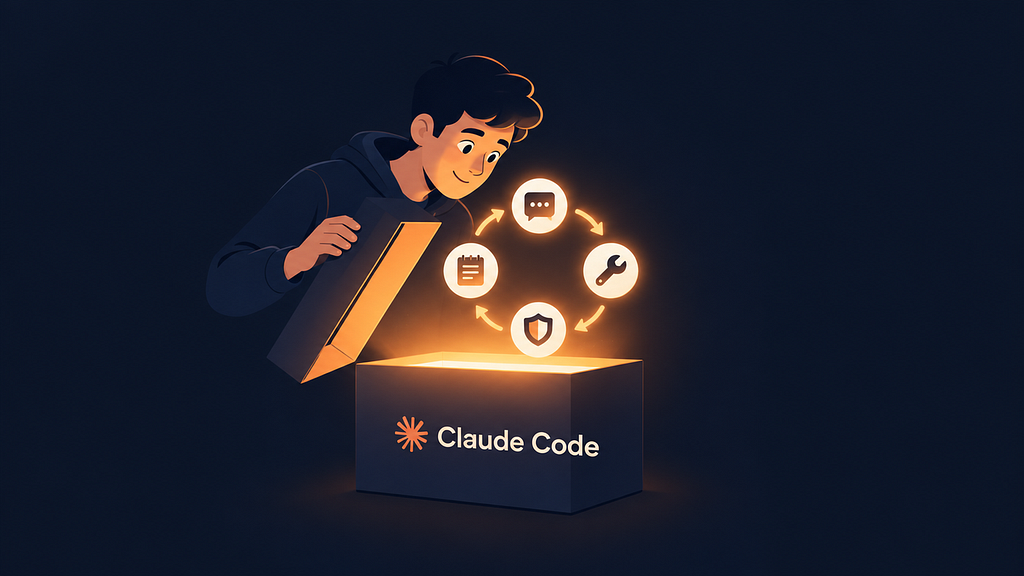
When tools like Claude Code inspect a repository, generate patches, run test suites, and iteratively fix bugs, the workflow can appear deceptively complex. Yet beneath the user interface, modern coding assistants rely on a straightforward architectural principle: an agent is essentially an iterative loop wrapped around a single API call, bolstered by context memory and defensive guardrails. A technical breakdown from Towards AI demonstrates this reality by reconstructing a functional coding agent inside a single Python script without third-party dependencies.
Inside the Agent Loop and Tool Calling
At their foundation, large language models operate as predictive engines processing tokens—chunks of text averaging roughly four characters or three-quarters of an English word. Because language models are entirely stateless and retain no memory between requests, the client application must maintain session context. Every step in a conversation requires sending the entire message history back to the model, with every prompt, file excerpt, and command output competing for space on the desk of the context window.
Turning a standard conversational model into an autonomous coding agent requires two core elements: structured tool calling and an execution loop following the ReAct (reason, act, observe) pattern. The host application describes available capabilities—such as reading files, running regex searches, or executing shell scripts—as JSON schemas generated directly from Python docstrings and parameter signatures. When the model determines an action is needed, it responds with a structured tool call identifying the function and arguments rather than a regular message.
The host code runs the requested function and returns the output as a tool-role message. The model ingests the result and decides whether to run another tool or provide a final answer. If an error occurs—such as a missing file or an invalid syntax line—the failure is passed back as plain text. Instead of crashing, the model reads the error and adapts its strategy.
Sandboxing and Permission Boundaries
Granting an automated process terminal and file access introduces severe operational hazards. Safety in an agent architecture rests entirely on a core distinction: the model only ever requests an action, while host code retains unilateral authority over whether that action executes.
In a secure harness, file system interactions are strictly sandboxed. In the reference implementation, every requested path is resolved and verified through is_relative_to() to ensure operations remain within the target workspace directory, preventing directory traversal and symlink escapes. Terminal commands require similar insulation. By passing only an allowlist of essential environment variables like PATH, HOME, and TEMP, the shell environment ensures sensitive tokens and credentials—such as cloud keys—remain hidden from subcommands.
Permission systems govern tool execution through rules categorized into allow, ask, and deny:
- Deny rules run first and cannot be overridden, blocking destructive operations such as forced Git pushes, hard resets, system shutdowns, package publishing, or reading
.env*files. - Allow rules streamline routine actions, letting read-only commands like
grep, file reading, andgit statusproceed without interruption. - Interactive prompts gate potentially dangerous modifications, presenting exact command lines or file diff previews to the user before running.
Host code enforces these boundaries independently of model instructions. While system prompts inform the model of its operational mode, the underlying programmatic rules ensure that even if a model hallucinates elevated permissions, it cannot bypass execution guardrails.
What it means for developers
Deconstructing coding agents into a simple while-loop proves that their practical utility comes from harness engineering rather than black-box magic. While frontier models provide reasoning, the stability, safety, and cost of an agent depend on how effectively developers structure tools, guardrails, and context windows.
For engineers building or integrating AI workflows, several practical takeaways stand out:
- Context management is critical: Employing targeted search tools like
find_filesorgrepbefore opening documents avoids wasting token budgets on full-file reads, keeping conversations well within context limits. - Tool errors drive recovery: Treating execution failures as informational text rather than unhandled exceptions gives agents the feedback required to debug their own mistakes.
- Harnesses are model-agnostic: Because providers utilize compatible endpoints, developers can easily swap backends—from local Ollama instances running open-weight models to commercial cloud APIs. Developers looking to benchmark different agent models can try top AI models cheaply through one API at https://apixoai.online.
- Prompts set expectations, code sets limits: Security cannot rely on system prompt instructions alone. Sandboxed workspaces, restricted shell environments, and programmatic permission checks must govern every tool call before execution.
Source: How Claude Code Works (Let’s Build a Tiny One) — Towards AI. Written by the Apixo team from that report.
One key for Claude, GPT, GLM, DeepSeek and more. Pay per token with crypto.
Get your API key