Local LLM Performance Bottlenecks: RTX 5090 VRAM Contention Halts Inference Speed
A case study reveals how desktop VRAM competition caused vLLM generation speeds to plummet on an RTX 5090 without triggering system memory errors.
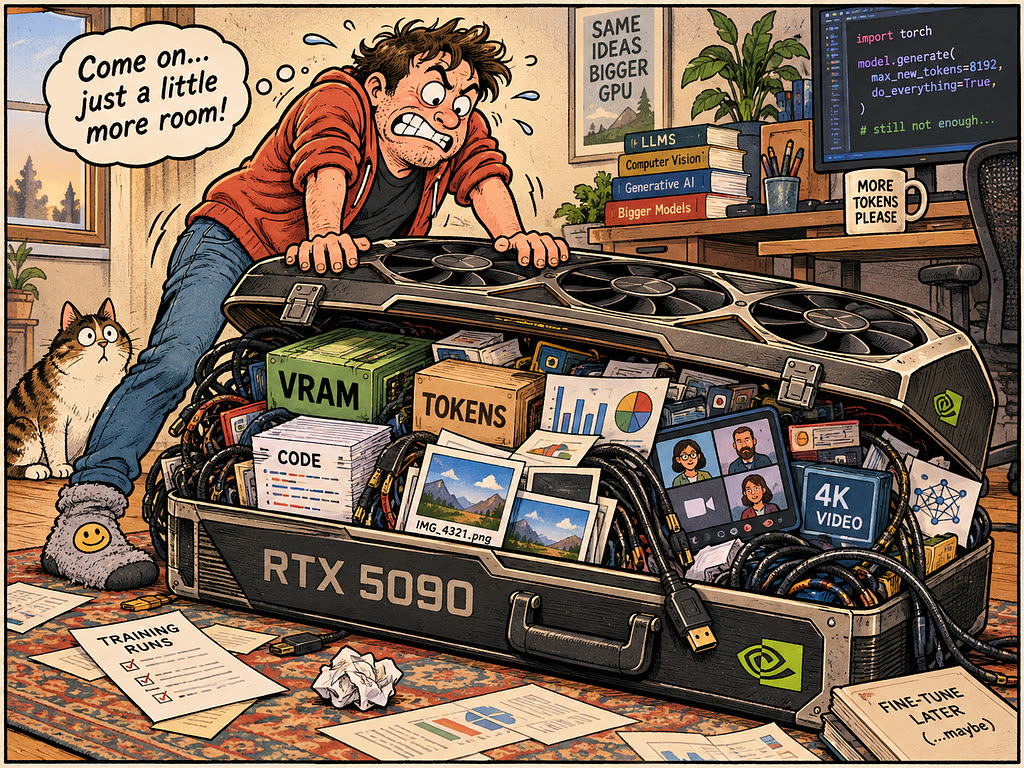
Running large language models locally on primary workstation hardware presents unique resource allocation challenges. A recent technical investigation showed how desktop display tasks and video conferencing software can silently degrade local LLM inference performance. Operating an Nvidia RTX 5090 GPU with 32 GB of VRAM on a Windows 11 desktop host using vLLM inside WSL2, a developer observed generation rates dropping tenfold—from 77 tokens per second down to roughly 7 tokens per second—without receiving any out-of-memory (OOM) errors or system warnings.
Silent performance degradation under desktop VRAM pressure
The setup involved serving a quantized Qwen3.8 27B model (NVFP4 format) to a DeepSeek Harness agent performing multi-hour coding, shell execution, testing, and document processing tasks. While the RTX 5090 provided fast performance during isolated coding sessions, initiating Microsoft Teams video calls caused severe inference slowdowns. During these active calls, average throughput dropped from 77 tokens per second to an overall session average of 27 tokens per second, with subagents recording speeds as low as 7 tokens per second.
Despite the performance collapse, the vLLM serving process never crashed or logged a failure. Telemetry indicated that overall GPU VRAM usage reached 32,049 MiB—consuming virtually the card's entire 32 GB capacity. Additionally, the desktop display flickered and screen blackouts occurred twice, leading to Microsoft Teams crashes, while thermal and power telemetry confirmed that the GPU was not experiencing hardware throttling.
Diagnosing the VRAM bottleneck
To isolate the root cause, diagnostic testing was conducted during a slowed period where short requests yielded only 10 to 11 tokens per second. At that moment, vLLM reported key-value (KV) cache utilization at a minimal 1.7%, proving that KV cache saturation was not responsible for the performance drop.
Restarting only the vLLM process—without rebooting the Windows desktop, changing the model, or editing configurations—immediately restored performance to 82.8 tokens per second. However, starting another video call caused generation speeds to collapse once again. This repeatable cycle established that VRAM contention between the Windows desktop compositor, video encoding software, and vLLM was driving the slowdown.
The root constraint was traced to vLLM's --gpu-memory-utilization configuration parameter, which was originally set to 0.93. On a 32 GB graphics card, this allocation reserved roughly 29.7 GB for vLLM, leaving just over 2 GB of VRAM for the operating system, display management, and video encoding. Under Windows Subsystem for Linux (WSL) GPU memory management, when additional GPU capacity was required for video calls, physical VRAM allocations were likely displaced into host system RAM. Transferring data over the PCIe bus during the model's decode path introduced massive latency.
The configuration changes that resolved the issue
To resolve the resource conflict, two distinct configuration parameters were modified in the vLLM startup arguments:
--gpu-memory-utilizationwas reduced from 0.93 to 0.85, freeing approximately 2.5 GiB of dedicated VRAM back to the host operating system and background applications.--max-model-lenwas adjusted from 262,144 down to 163,840 tokens as a safety cap on individual request context sizes.
While reducing the VRAM allocation budget sacrificed over 25 percent of the available KV cache pool (reducing memory from the 9.26 GiB baseline observed in testing setups), the trade-off prevented severe system contention. In subsequent tests under active video calls, generation speeds remained stable, with the worst drop showing a rate of 52 tokens per second down from 83 tokens per second.
What it means for developers
For developers deploying local LLMs on workstation GPUs rather than dedicated headless servers, local resource contention requires careful memory budgeting. When an inference framework shares a graphics card with active desktop applications, allocating maxed-out GPU memory budgets risks silent performance degradation due to memory paging rather than clear error messages.
Key considerations for developers running workstation-hosted models include:
- Budget VRAM for background host tasks: Parameters like
--gpu-memory-utilizationmust accommodate OS display overhead and encoding software. - Test under realistic multi-tasking workloads: Standard isolated benchmarks will fail to catch performance degradation caused by concurrent desktop software.
- Monitor PCIe transfer bottlenecks: A drop in token output without high KV cache usage or thermal throttling often signals system RAM fallback.
While tuning local GPU parameters provides stability for desktop setups, managing hardware constraints and VRAM limits can add operational overhead. For team projects or production environments needing frictionless scaling, developers can try top AI models cheaply through one API at https://apixoai.online, avoiding local hardware bottlenecks entirely while accessing leading systems like Claude, GPT, Gemini, Grok, and DeepSeek. When hosting locally, however, leaving sufficient VRAM headroom remains essential to maintaining target token rates.
Source: My RTX 5090 Fell from 77 to 7 Tokens Per Second. VRAM Pressure Was the Culprit — Towards AI. Written by the Apixo team from that report.
One key for Claude, GPT, GLM, DeepSeek and more. Pay per token with crypto.
Get your API key